
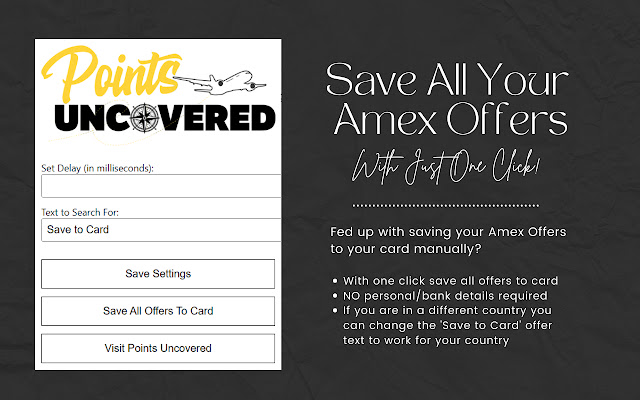
The Easy Way To Add All Amex Offers to Your Cards
One of the perks of having an American Express card is the offers that you can save to your card which offer things such as bonus points, statement credits and more. If you haven’t added any offers to your card in a while you may have a lot of cards to add (sometimes over 100!) which is a rather long and boring task. Luckily there are several quick and easy ways to add all Amex offers to your cards…
How can I add all Amex offers in one go?
Using our Google Chrome extension
The easiest way to add all your Amex offers in one go to your card is to install our Google Chrome extension.
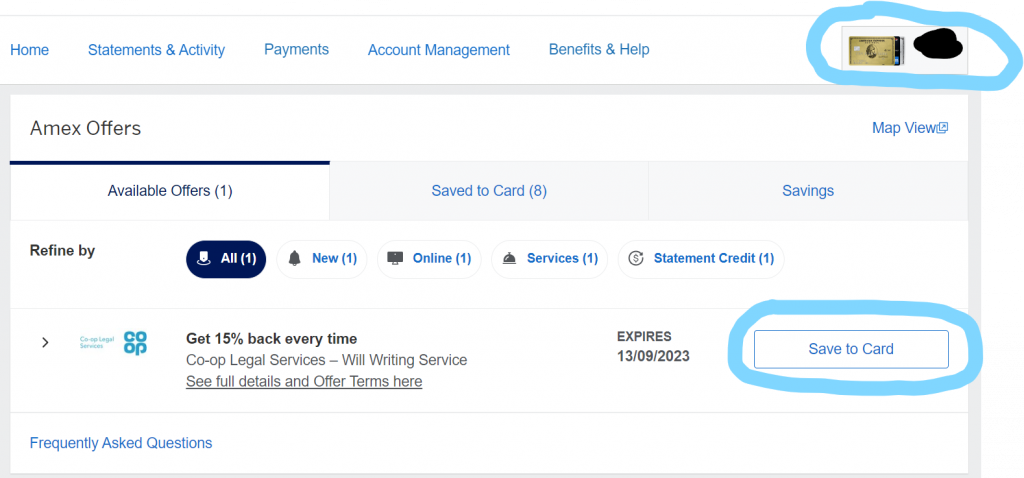
Once installed, login to your Amex card, under Amex offers click ‘View More’ which will take you to this URL – https://global.americanexpress.com/offers/eligible – which will show you all your offers. Make sure in the top right corner you are on your correct card. Take a note of the button text as you’ll need this later…
Then all you need to do is click on the Chrome Extension icon…

It will load the following screen where you can choose a custom wait time (if you wish) and to type in the text of your ‘Save offer to card’ buttons (it can vary in different countries.)
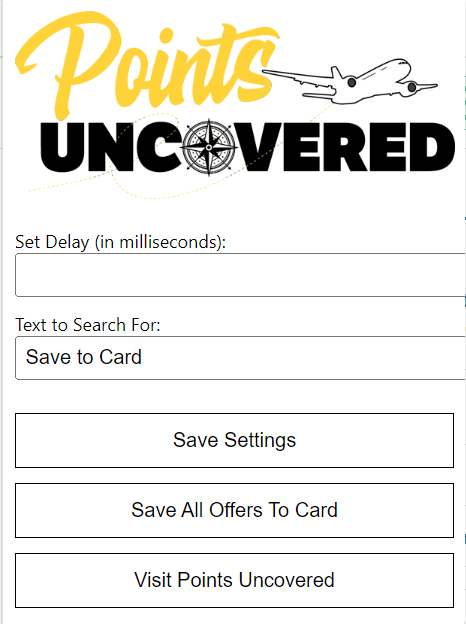
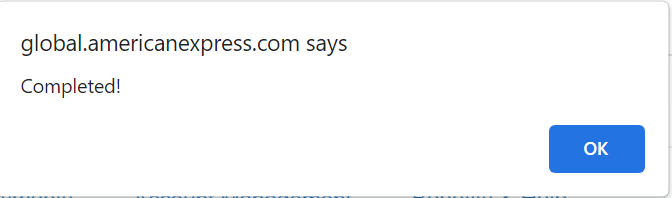
Once you are ready hit Save All Offers To Card and let it work its magic! Once completed you will receive a message letting you know it’s completed!
Create a bookmark to Add All Amex Offers
You can add all the Amex offers by saving a simple code as a bookmark and then clicking on it to run it.
Whilst in your web browser press Ctrl + Shift + B to show the bookmark bar (if you haven’t already got it showing.) Right click on the bar and select ‘Add page…’ Here type in a name for your bookmark e.g. ‘Save all Amex offers’ and copy the below code as the URL…
javascript:(function(){let addToCardButtons=Array.from(document.querySelectorAll('.offer-cta')).filter(button=>button.textContent==='Save to Card');async function processButtons(){while(addToCardButtons.length>0){let button=addToCardButtons.pop();button.click();let delay=Math.random()*1500+300;await new Promise(resolve=>setTimeout(resolve,delay));}console.log('All buttons have been clicked!');}processButtons();})();Save the bookmark and then when you are the Amex offer page e.g. https://global.americanexpress.com/offers/eligible click the bookmark and it will save all your Amex offers to your card. Easy! Don’t forget you will need to be logged in to this, make sure you are on the correct card (select in the top right corner) and you click view more on the offer sections to view all the offers.
If your card offers say something other than ‘Save to Card’ simply edit the text in the code.
Add All Amex Offers Conclusion
Using the Chrome Extension/Bookmark makes the process of adding all your Amex offers to your cards a lot easier, particularly if you can’t be bothered to wade through them all! Let us know your thoughts in the comments below!


You May Also Like

How To Book Open Jaw Flights With Avios

Is It Better To Pay With Points Or Cash For My Hotel?